In the realm of remote work, Microsoft’s Teams platform offers a green dot status that presents unique challenges. For some workers, maintaining this status becomes essential to managing perceptions of productivity.
In a now-deleted Reddit thread, users discussed creative ways to maintain an ‘Available’ status and avoid appearing ‘Away’. Some strategies included replaying a meeting recording, attributing outages to VPN glitches, and scheduling texts to simulate active work engagement. A suggestion of replaying recordings drew significant attention with 503 upvotes. One user taking advantage of VPN malfunctions to remain offline noted, “No one harasses me then.” Scheduled texts served as another tactic, with one user writing, “Oh weird, the VPN must be bugging—here’s a text I sent at 7:25 a.m., I’m still working.” This approach garnered 97 upvotes.
A number of users were skeptical of such tactics, with one person replying, “This never works for me.” Comments also highlighted various methods like mouse movers to mimic activity. A response praised the utility of a device “completely separate from the computer itself,” earning 205 upvotes. However, some warned of detection risk by IT teams. Others joked about their mouse “slowly gravitating downward.” Another user mentioned setting the status manually, adding that diligent work likely prevented challenges to their authenticity. Further, a PowerShell script to toggle Scroll Lock was noted, though its reliability was questioned.
The discussion also reflected broader frustration with workplace monitoring. The original poster referenced an “observation blitz” in their workplace, describing ineffective manager critiques. This environment led to humorous yet critical input assembled by Microsoft’s Copilot, which was described dismissively.
A review of related Teams ‘hacks’ from the past suggested earlier strategies involved continuous device activity. A TikTok creator advised initiating a solo Teams meeting to maintain a green dot. This method, however, carried warnings against continuous use. Some users reported success, but criticism targeted managers’ dependency on such indicators. Simple methods included using a notepad with a paperweight to simulate typing or advocating for work environments that value results over presence indicators.
Microsoft clarifies that Teams presence hinges on app activity and calendar connections. It automatically detects when a user becomes inactive or locks their device. Users may manually adjust status settings, maintaining ‘Available’ if active on another task. Admins can access reports detailing activities like messages, calls, and last active dates, though they cannot define precise work efforts or identify specific workarounds such as mouse movers.
 Animal Cruelty Verdict for Canadian Tourist and Political Developments in International and U.S. Politics
  Early Research Suggests Bans Aren’t the Solution for Social Media Issues
 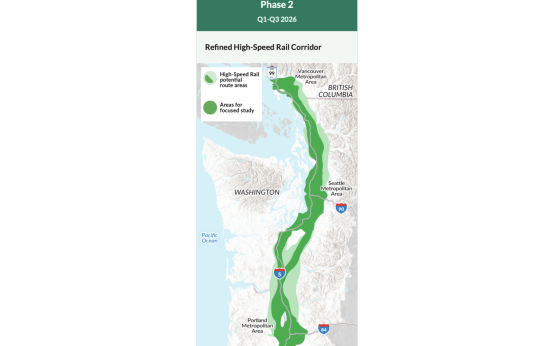 Plans Unveiled for Cascadia High-Speed Rail in Pacific Northwest
  Social Connections Thrive in Remote Work
  The Impact of Social Media Lawsuits in 2026
 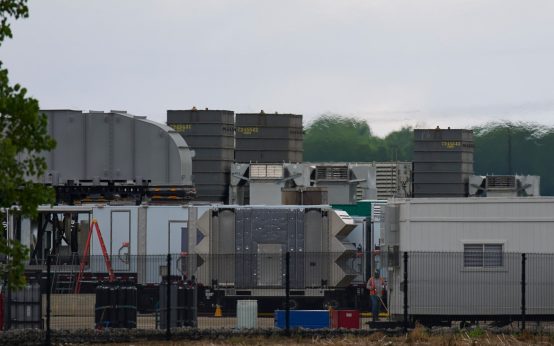 Memphis Officials Consider Temporary Halt on Data Center Expansion Amid Protests