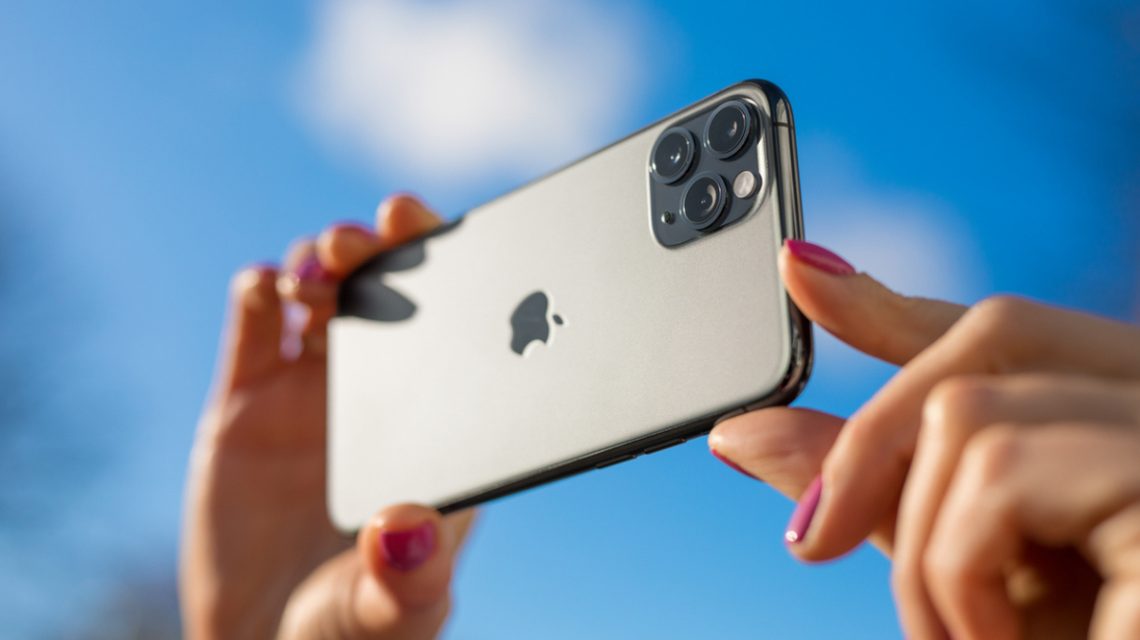
Apple has unveiled the innovative foldable iPhone Duo, drawing immense consumer interest despite its $1,999 starting price. On ‘Varney & Co.’, Taylor Riggs highlighted the device’s dual-screen functionality and ultra-thin design. Host Stuart Varney expressed his intention to buy the smartphone, which costs up to $3,000 for a two-terabyte model.
The introduction of iOS 27 tackles an ongoing photo sharing problem. Traditionally, some methods compress images, affecting quality. Now, Shared Albums can store new photos and videos in their original formats at full resolution.
Samsung Galaxy and Google Pixel phones also offer ways to share photos without compression. Access a free CyberGuy LIVE class for practical tech guidance. Learn how to stop spam, enhance phone security, and improve AI healthcare.
If the method you use resizes or compresses photos, the recipient may get a blurry image due to lost detail.
Changes in Shared Albums with iOS 27
Before iOS 27, Shared Albums reduced photo resolution considerably. Photos were restricted to 2,048 pixels on the long edge, and videos could be delivered at up to 720p. With iOS 27, shared media now retains its original format. As a trade-off, new items count towards the album owner’s iCloud storage.
Steps to Enable Shared Albums on iPhone:
- Open Settings.
- Tap your name.
- Select iCloud.
- Tap Photos under Saved to iCloud.
- Ensure iCloud Photos is activated.
- Scroll down and enable Shared Albums.
Creating a full-resolution Shared Album on iPhone is straightforward with iOS 27, allowing storage at the full resolution for new media.
Sending Full-Quality Images Across Devices
While Shared Albums improve photo quality, they aren’t foolproof. The sending method largely dictates image quality upon receipt.
Sending Photos via Samsung Galaxy and Google Pixel:
- Use Quick Share for direct file transfers.
- Quick Share sends original, compressed-free files.
- QR code option available for unsupported devices.
Pixel phones, along with Galaxy, now offer stronger inter-device sharing options, providing ease in photo quality preservation.
Considerations for Full Resolution
Full-resolution files occupy greater storage space, with a single photo reaching several megabytes. Consequently, large Shared Albums should be monitored in iCloud for storage management.
Depending on your needs, original-quality files might not always be essential. Decisions should be based on planned use, like printing photos or preserving family memories.
Kurt’s Takeaways
iOS 27’s upgrade is beneficial, enhancing the capability of Shared Albums to maintain image detail. Quick Share remains a reliable tool for sending uncompressed files. It’s essential to choose file-sharing methods wisely, considering storage implications.
 U.S. Faces Challenges in Global AI Race Against China
  Impact of Ukrainian Strikes on Russian Data Centers and Bot Traffic
  The Impact of AI on Work and Job Quality
  Michigan Senate Candidate Proposes AI Development Freeze
  Debate Over ‘Super Intelligence’ Terminology in Tech and Politics
  Elon Musk Increases Political Contributions Ahead of Midterms