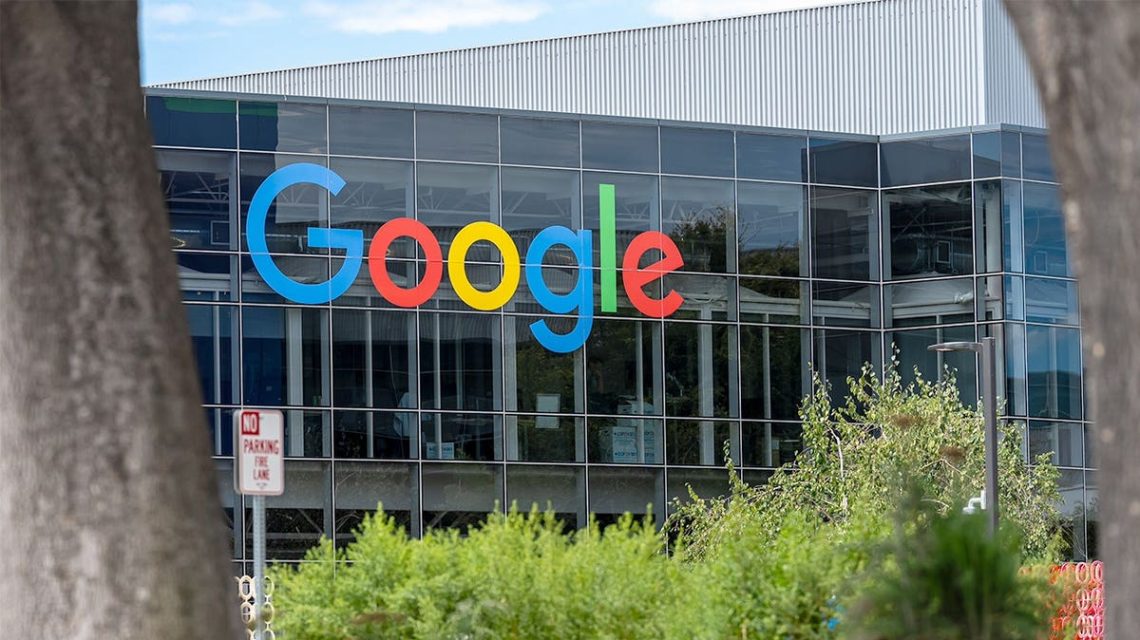
You may encounter a warning that disrupts your browsing session, claiming that a ‘Critical Update’ is necessary for your browser. This message might seem urgent, and clicking on the update could feel like a safe choice. However, it is a scam designed to mislead you.
A Concerning Browser Scam
Recent reports link aggressive fake browser update warnings to a Chrome extension known as Enable Right Click & Copy – Smart Unlock + OCR. Initially developed to enhance right-click and copy capabilities, it was reportedly acquired by a threat actor who incorporated harmful features.
The extension was used by about 70,000 people when the malicious update was introduced. Although this doesn’t mean all users had the harmful version, researchers from Socket flagged it as potentially harmful. By August 14, it was removed from the Chrome Web Store.
Understanding the Fake Update Scam
Fake Google Chrome update alerts can appear on regular websites, tricking users into downloading unfamiliar files instead of updating through Chrome itself. Normally, Chrome updates automatically in the background. You can manually check for updates by opening Chrome, clicking on More > Help > About Google Chrome.
Be wary of prompts that ask you to download questionable files. Google advises going directly to their program or official website to verify if updates are needed.
Extensions Can Become Unsafe Over Time
An extension trusted by thousands with strong reviews can become dangerous if updated with harmful capabilities. Reports identified multiple extensions related to a larger campaign involving phishing, crypto-wallet draining, and fake update alerts.
This situation echoes earlier cases where extensions started legitimate but became harmful after ownership changes. A high average rating doesn’t ensure future safety. Inspect recent reviews for negative changes.
Key Warning Signs and Protective Steps
- Never update Chrome via a web page pop-up; always check directly through Chrome settings.
- Use antivirus software with real-time protection and automatic updates.
- Review browser extensions regularly, considering both permissions and recent user reviews.
- Enable Chrome’s Enhanced Protection to guard against hazardous sites, files, and extensions.
- Delete unexpected files without opening them, and conduct a comprehensive security scan.
- Consider using a data removal service to limit exposed personal information online.
Additional Security Measures
If a suspicious file was executed, treat the computer as potentially compromised and take immediate action:
- Disconnect from sensitive accounts.
- Run a comprehensive antivirus scan and remove malware.
- Change passwords for sensitive accounts using a trusted device.
- Enable multifactor authentication whenever possible.
Addressing Persistent Fake Update Warnings
If warnings persist, meticulously disable extensions one by one and examine Chrome settings for unauthorized changes to homepage or search engine configurations. Conduct a robust antivirus scan to identify any remaining threats.
This fake Chrome update scam is deceptive because it exploits trusted browser extensions. Regular checks and cautious browsing habits are essential to mitigate risks. Always verify updates directly through Chrome settings to prevent security breaches.
 The Impact of Online Negativity and How to Address It
  Musk’s Influence Highlights Global Policy Concerns
  The White House Accord on Super Intelligence and Its Implications
  FTC Probes Pricing Strategies of Major U.S. Companies
  New York Enacts AI Companion Chatbot Restrictions to Protect Children
 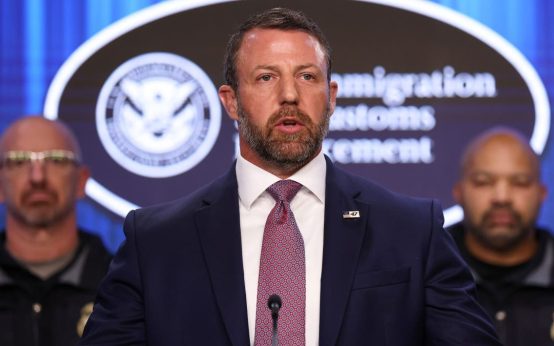 Massive Data Breach Hits Department of Homeland Security