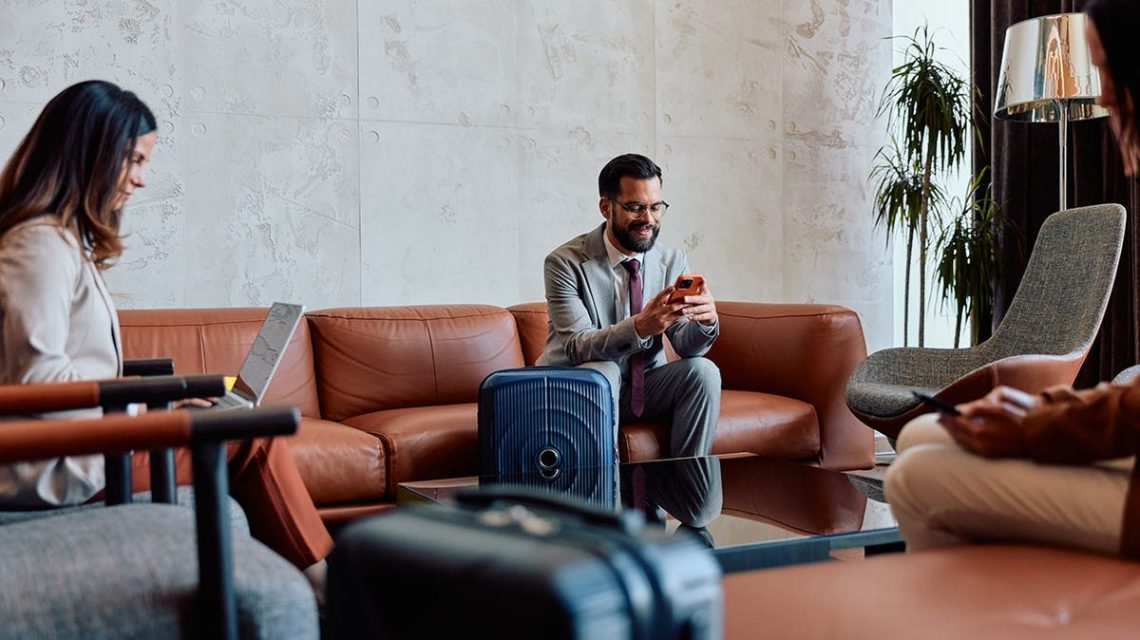
After a long flight, you arrive at your hotel and look for the Wi-Fi password. You connect to clear your inbox, stream, or check your bank balance. This common routine can jeopardize your passwords, accounts, and personal information. Public Wi-Fi offers convenience, but it’s equally convenient for those with malintent nearby.
The Risks of Free Wi-Fi
Connecting to hotel Wi-Fi is a widespread habit, yet it can risk your accounts if the network lacks protection. Public networks transmit data over a network you don’t control. Open networks allow anyone with simple tools to watch traffic patterns, spot unencrypted activity, or redirect you to fake pages. This is known as packet sniffing. While modern HTTPS secures most credentials, not all apps or sites do so entirely. Public Wi-Fi can quickly become risky.
Fake networks further complicate the issue. Hackers set up hotspots with names like “Airport_Free_Wi-Fi” or “Hotel Guest,” attracting unsuspecting travelers. Once on their network, your activities pass through their hands first, a tactic known as the evil twin attack.
Understanding the Threat
Stealing your password is not the sole aim. Logging into a service gives your device a session token. If attackers can trick you onto a fake network or poorly secure connection, that token becomes a target. This can lead to account hijacking, unauthorized charges, or sold access.
Your phone, laptop, email, banking app, and streaming accounts are at risk on an unprotected network.
The Simple Solution: VPNs
Good news, you don’t need to be a security expert to protect yourself. A VPN creates an encrypted tunnel between your device and the internet. This scrambles everything you send and receive, making it meaningless to prying eyes. Your passwords, messages, logins, and banking details stay safe.
A challenge with VPNs is that people forget to activate them or find them cumbersome. The ideal VPN should be user-friendly, fast for streaming and calls, prioritize privacy, and protect your devices with one tap. My top pick fulfills these needs with strong encryption, a no-logs policy, a kill switch, and compatibility with various devices.
Smart Habits to Enhance Security
While a VPN handles most work, these additional steps help:
- Turn off auto-connect. Prevent automatic connections to unknown networks.
- Confirm network names before connecting. Verify with staff at hotels or cafes.
- Enable two-factor authentication. Adds another layer of protection.
- Use a password manager. Generate unique, secure credentials for each site.
- Access sensitive data over trusted connections. Use cellular data, your phone’s hotspot, or a trusted VPN.
Conclusion
Your journey should be memorable, not marred by security issues. Treating free Wi-Fi as unsafe helps protect you. Using a trusted VPN and adopting smart habits closes doors hackers exploit.
Do you always activate a VPN when connecting to public Wi-Fi? Let us know by visiting our site.
 President Trump Proposes ‘Super Intelligence’ as New AI Term
  First Lady Melania Trump’s AI Education Push Amid Concerns
  Expansion of Data Centers Fueled by AI Development
  Beijing’s Tactical Undermining of U.S. Supremacy Through AI
 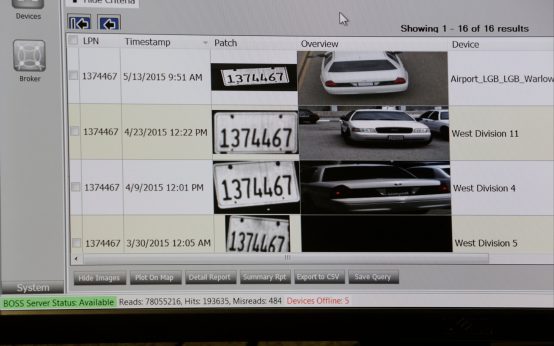 Controversy Surrounds Automated License Plate Readers Across the U.S.
  Trump and Harp Sued Over Truth Social Subscriber Program