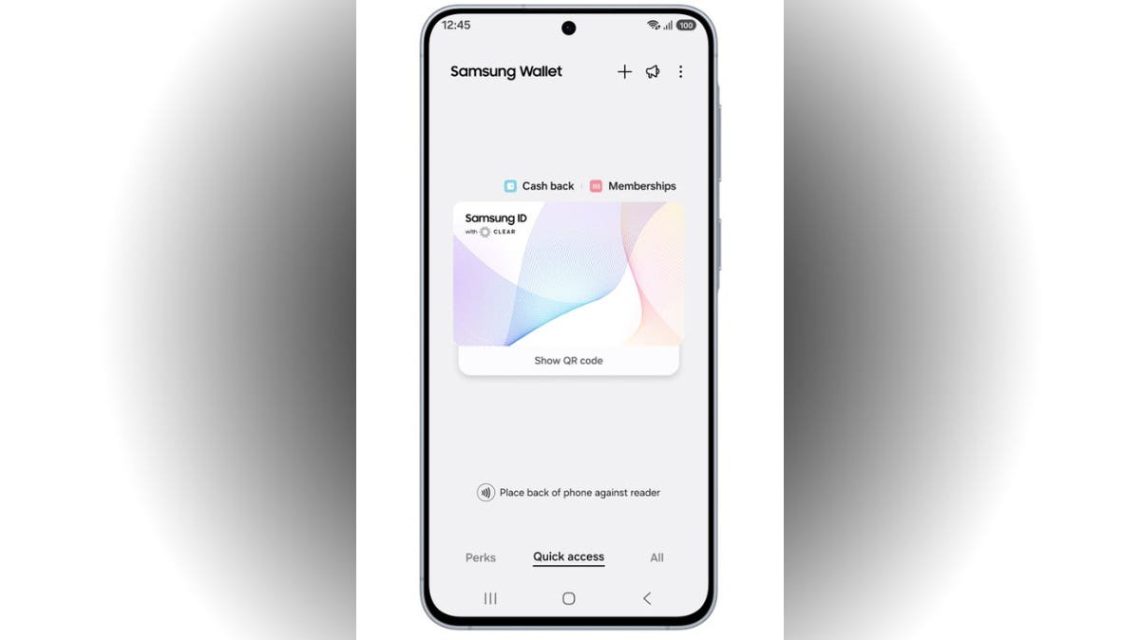
Travelers often face a common hassle at TSA lines with managing passports, boarding passes, and carry-on bags. Samsung, in partnership with CLEAR, aims to ease this experience by introducing Samsung ID with CLEAR. This addition to Samsung Wallet serves as a free digital ID, leveraging data from U.S. passports to enable Galaxy users to verify their identities at over 250 TSA checkpoints supporting digital IDs.
Convenience or Risk?
The convenience sounds promising, but raises a concern about the security of housing your identity within a single app. Many devices already store sensitive information like emails, passwords, and bank details. Samsung’s move to include identity verification could streamline the process at airports, but users might question the security risks involved.
What is Samsung ID with CLEAR?
Samsung ID with CLEAR is a mobile digital ID stored securely inside Samsung Wallet. Backed by data from U.S. passports and verified by CLEAR, users can present this digital ID at supported TSA checkpoints without needing a physical ID.
Despite the innovation, travelers should still carry their physical passports or REAL ID-compliant documents, as certain checkpoints may require them.
Eligibility and Usage
This service is currently available to U.S. passport holders and depends on the compatibility of TSA checkpoints, which support digital IDs. Additionally, Samsung Wallet requires a compatible smartphone, Android 9.0 or higher, and a Samsung account.
Setting up Samsung ID with CLEAR
To add Samsung ID with CLEAR to Samsung Wallet, follow these steps:
- Open Samsung Wallet
- Navigate to the Quick Access tab
- Tap the ‘+’ button
- Select Digital IDs
- Choose Samsung ID with CLEAR
- Tap Get Card and follow the prompts
Once CLEAR verifies your information, your digital ID is ready for use at TSA checkpoints.
Wider Applications
Samsung says its Wallet now supports age checks and other government use cases, plus venue entry and age verification at select arenas.
Security Measures
Samsung ensures that Samsung ID with CLEAR requires fingerprint or PIN access, and benefits from encryption on Galaxy devices via Samsung Knox. While convenient, users should weigh these advantages against the risks of storing their ID digitally.
Given the dependence on mobile devices for ID verification, travelers should have a backup plan if their phone gets compromised.
Safety Precautions
To use Samsung ID with CLEAR more safely:
- Update your phone and Samsung Wallet app
- Ensure your Samsung account has robust security settings, including two-step verification
- Use secure PINs or fingerprint authentication
- Keep your physical IDs accessible as a backup
Conclusion
Samsung ID with CLEAR provides convenience for frequent travelers, merging identity verification into the digital wallet dance. While this trend grows, securing the device becomes paramount. The physical passport remains essential, offering peace of mind alongside digital progress.
Are you ready to trust your phone as your main ID at the airport? Share your thoughts at Cyberguy.com.
 President Trump Proposes ‘Super Intelligence’ as New AI Term
  First Lady Melania Trump’s AI Education Push Amid Concerns
  Expansion of Data Centers Fueled by AI Development
  Beijing’s Tactical Undermining of U.S. Supremacy Through AI
 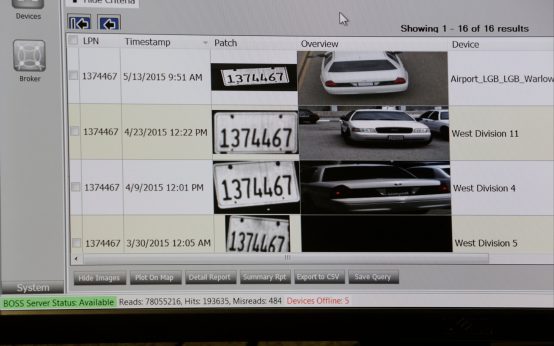 Controversy Surrounds Automated License Plate Readers Across the U.S.
  Trump and Harp Sued Over Truth Social Subscriber Program